
The set you get is only as good as the photo you start from. You don't need a professional camera, just a picture that shows the shape and the details clearly. These habits help the most.
1. Fill the frame with the subject
The subject should take up most of the picture. A dog that is a speck in a field gives the designer almost nothing to work with, so crop in or take a closer shot.
2. Show the whole shape
For a 3D model, the outline matters as much as the face. Make sure ears, tails, roofs and wheels are not cut off at the edge of the picture.
3. Use soft, even light
Daylight from a window, or outdoors under cloud, is ideal. Harsh flash flattens shapes and shifts colours, and deep shadows hide markings.
4. Get down to their level
For pets and children, take the photo at their eye level rather than looking down. It shows the true proportions of the face and body.
5. Send more than one angle
One photo is fine; two or three are better. The most useful set is a side view, a front view and the pose you want. For houses and cars, add a three-quarter corner view.
6. Keep the details you care about visible
Glasses, a bandana, a white sock, a red door: if it matters, make sure at least one photo shows it clearly.
7. True colours beat filters
Skip heavy filters and beauty modes. The designer matches colours to real brick colours, so the closer the photo is to real life, the better the match.
8. Old or imperfect photos are OK
For a pet who has died or a house that has gone, send what you have, even if it is blurry or faded, and describe what the photos cannot show.
9. Write a few words
A note is as useful as a photo. Say what to build ("just the dog, not the sofa"), the pose, and the one detail that must not be lost.

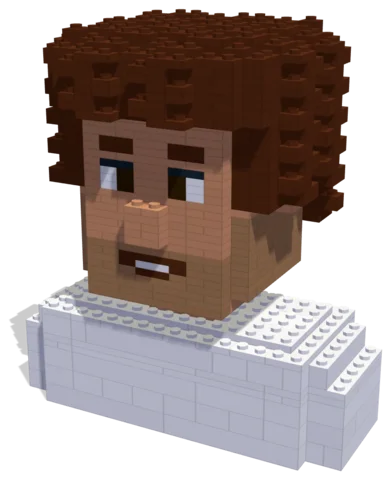 Party Laugh884 parts · 16 × 11 × 18 cmSee the set →
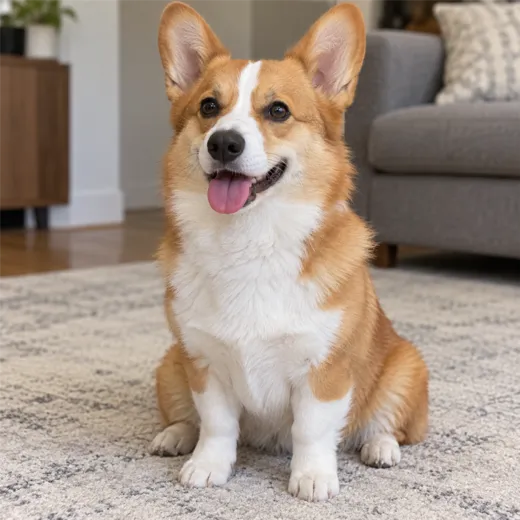
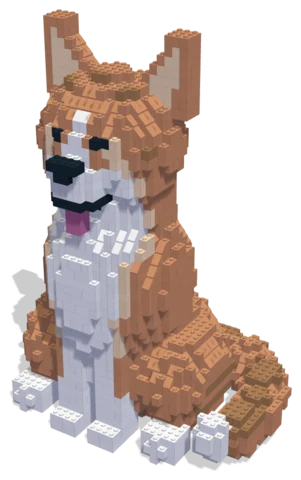 Corgi2,114 parts · 29 × 22 × 42 cmSee the set →
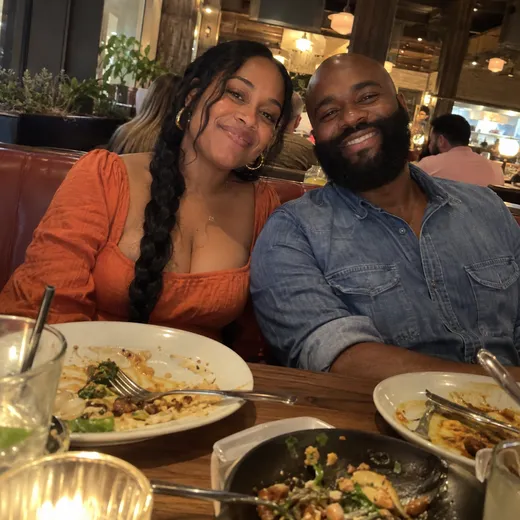
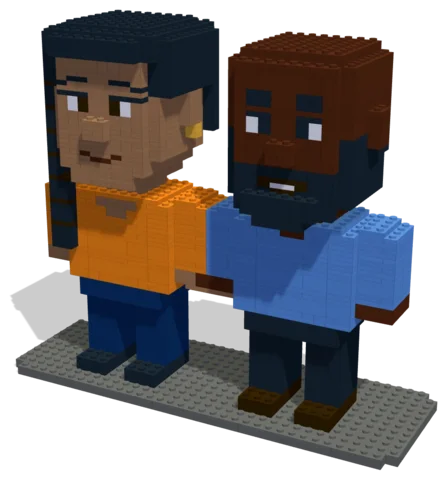 Dinner for Two1,348 parts · 29 × 10 × 25 cmSee the set →
Quick checklist by subject
- Pets: side view, face at eye level, the signature pose, any markings on both sides.
- People: a clear face photo roughly straight on, a full-length photo, glasses on if they wear them.
- Couples and groups: one photo with everyone, plus a clear photo of each person if the group shot is small.
- Houses: the front straight on, a corner view, close-ups of the door or special windows.
- Vehicles: a square side view, a three-quarter front view, close-ups of special details.
Questions
What kind of photo works best for a custom brick set?
A clear, well-lit photo where the subject fills most of the frame and its whole shape is visible. Two or three angles (side, front and the pose you want) work better than one.
Can I use a phone photo?
Yes. Phone photos are fine as long as the subject is clear and not heavily filtered.
How many photos should I send?
One is enough to start; two or three from different angles give the best result.