
Making something that looks like bricks on a screen is easy. The real job is a model you can build by hand, from parts you can actually buy, that doesn't fall apart.
LEGO® is a trademark of the LEGO Group, which does not sponsor, authorize or endorse Nooks. Nooks kits are custom brick sets, not official LEGO® sets.
1. Reading the picture
The designer starts with your photos and notes: what the subject is, its shape, its colours and the details you asked to keep. Several photos give a better sense of the 3D shape.
2. Real parts only
Every part in a Nooks design is a genuine, currently made LEGO® element, in a colour it is actually made in. That sounds obvious, but many brick-art tools use colours or shapes that do not exist, which means the set cannot be built as shown.
3. Every connection checked
A model on screen can float. A real one cannot. Each part has to click onto something, and the model has to hold together as you build it, not just at the end. Nooks checks how every part connects to its neighbours. One of the demo sets on our homepage, for example, has 1,966 parts and 6,286 checked connections.
4. Shaping the likeness
Bricks are square, so a likeness comes down to judgement: which curves to round off, which details to exaggerate, which colours to swap. The designer makes those calls with your notes beside them, so what you said mattered is what stays.
5. The build order and manual
6. Your 3D preview and approval
You see your set in 3D, step by step, before anything is made. You can ask for changes. Production starts only when you approve.
7. The kit

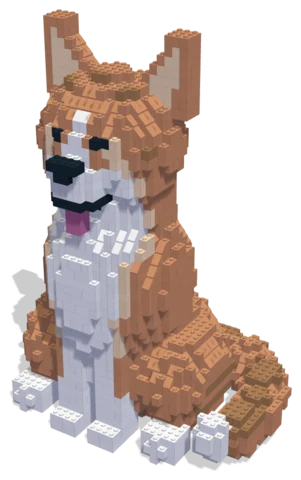 Corgi2,114 parts · 29 × 22 × 42 cmSee the set →

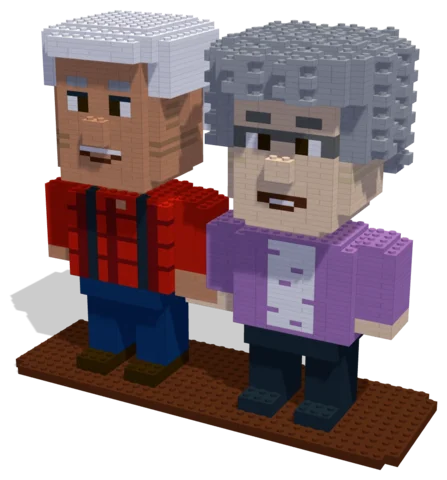 Porch Sweethearts2,088 parts · 29 × 11 × 25 cmSee the set →
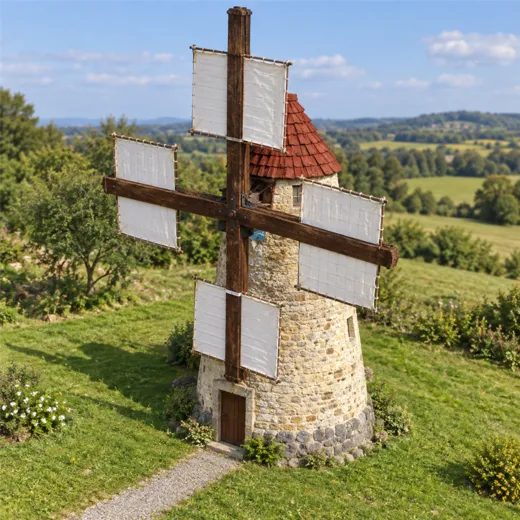
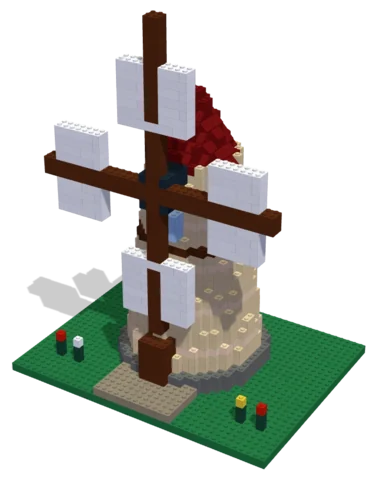 Windmill1,290 parts · 32 × 24 × 42 cmSee the set →
Who does the designing?
Design with your agent
Connect a compatible agent through the connection guide. Bring a clear photo and describe the details, size and parts budget you want. Your agent can work on the same project you open in the Nooks workbench.
Preview and check
Inspect the model from several angles, review its validation results, and ask your agent to revise it. A design still needs your review before you source parts and build it.
Your manual and parts list
Export the digital step-by-step manual, parts list and BrickLink wanted list from the workbench. The manual follows the saved design; keep the exports together so the parts and steps match.
Estimate and buy parts
Upload the wanted list to BrickLink to check seller prices, availability, shipping and taxes.
Download the wanted-list XML and upload it to BrickLink to choose sellers and buy parts directly. Nooks provides the digital design tools.
Questions
Can I start with my own photo?
Yes. Bring a photo to your connected agent and describe the build you want. You can preview and edit its design in the workbench.
What do I get?
A digital design, building instructions and a parts list you can export. Buy physical parts separately from independent sellers.
Where can I check parts prices?
Upload the wanted list to BrickLink and review seller prices, shipping and taxes before buying.
Is Nooks affiliated with the LEGO Group?
No. Nooks is independent and is not affiliated with, sponsored or endorsed by the LEGO Group. LEGO® is a trademark of the LEGO Group.