
A LEGO® version of your own house is a common wish, and a custom brick model makes it real: designed from your photos, built from real brick parts.
LEGO® is a trademark of the LEGO Group, which does not sponsor, authorize or endorse Nooks. Nooks kits are custom brick sets, not official LEGO® sets.
Few objects hold memories the way a house does. When someone moves, sells the family home or buys a first place, a model of the house can be one of the most meaningful gifts you can give.
Bricks also suit buildings well. Walls, roofs and straight lines are exactly what they do best.
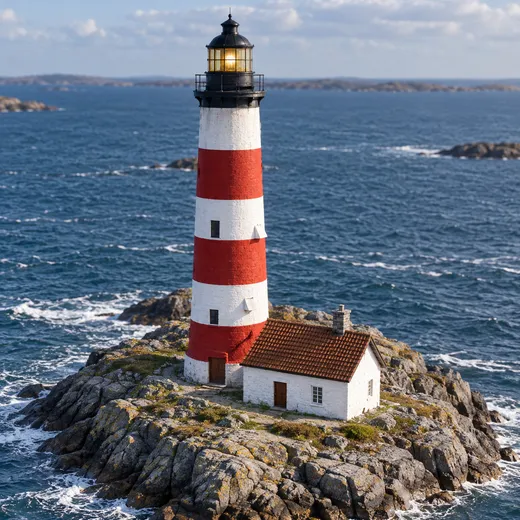
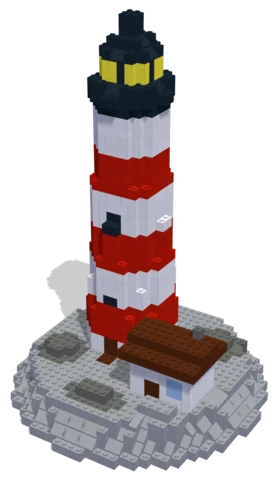 Lighthouse on the Rocks1,002 parts · 26 × 26 × 37 cmSee the set →
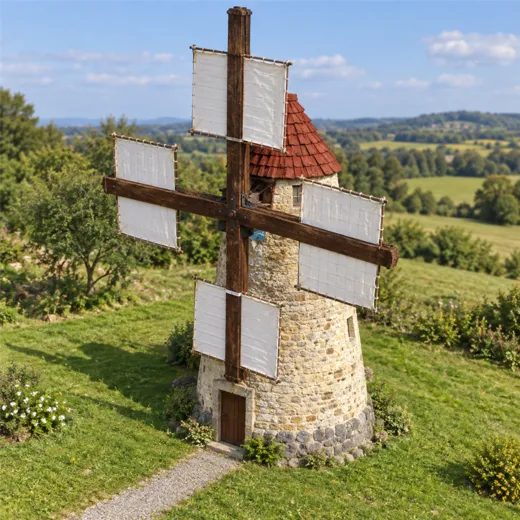
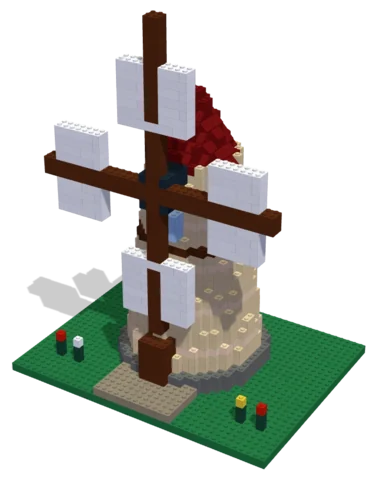 Windmill1,290 parts · 32 × 24 × 42 cmSee the set →
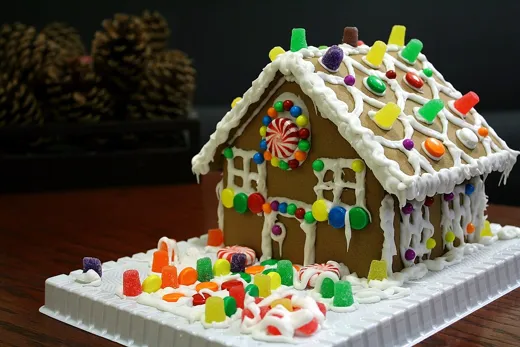
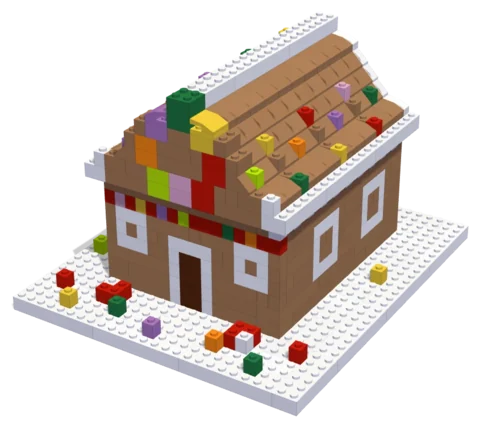 Gingerbread House694 parts · 21 × 24 × 15 cmSee the set →
Houses people turn into sets
- A first home, as a housewarming gift.
- The family home, when parents downsize, so everyone keeps a piece of it.
- A childhood house that is long gone, from old photos.
- A cabin, beach hut or holiday cottage.
- A shop, café or office, for a business owner.
What the model keeps
From your photos the designer keeps whatever makes the house recognisable: the roof line, the pattern of the windows, the colour of the door, the porch, the chimney, the tree out front. Mention a house number or a bench and small details like those can go in too.
Photos to send
- A straight-on photo of the front, standing far enough back to get the whole house.
- A corner view, showing the front and one side, so the depth is clear.
- Any detail close-ups that matter: the door, a bay window.
If the house no longer exists, send whatever old photos you have, with a description. An aerial view from a map can help with the overall shape.
Design with your agent
Connect a compatible agent through the connection guide. Bring a clear photo and describe the details, size and parts budget you want. Your agent can work on the same project you open in the Nooks workbench.
Preview and check
Inspect the model from several angles, review its validation results, and ask your agent to revise it. A design still needs your review before you source parts and build it.
Your manual and parts list
Export the digital step-by-step manual, parts list and BrickLink wanted list from the workbench. The manual follows the saved design; keep the exports together so the parts and steps match.
Estimate and buy parts
Upload the wanted list to BrickLink to check seller prices, availability, shipping and taxes.
Download the wanted-list XML and upload it to BrickLink to choose sellers and buy parts directly. Nooks provides the digital design tools.
Questions
Can I start with my own photo?
Yes. Bring a photo to your connected agent and describe the build you want. You can preview and edit its design in the workbench.
What do I get?
A digital design, building instructions and a parts list you can export. Buy physical parts separately from independent sellers.
Where can I check parts prices?
Upload the wanted list to BrickLink and review seller prices, shipping and taxes before buying.
Is Nooks affiliated with the LEGO Group?
No. Nooks is independent and is not affiliated with, sponsored or endorsed by the LEGO Group. LEGO® is a trademark of the LEGO Group.