
Wishing there were a LEGO® version of your own car? A custom brick set can be designed from your photos.
LEGO® is a trademark of the LEGO Group, which does not sponsor, authorize or endorse Nooks. Nooks kits are custom brick sets, not official LEGO® sets.
For plenty of people a vehicle is more than a way to get around. It might be the first car they saved up for, the classic they restored in the garage, the camper van behind every summer, or the tractor on the family farm. A model of it is a gift that needs no explanation.
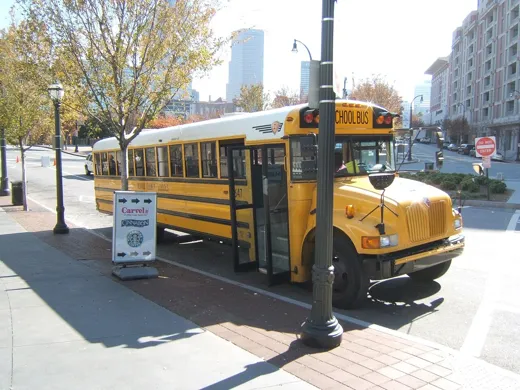
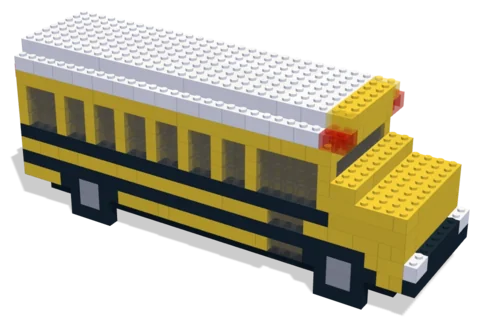 School Bus536 parts · 30 × 8 × 12 cmSee the set →

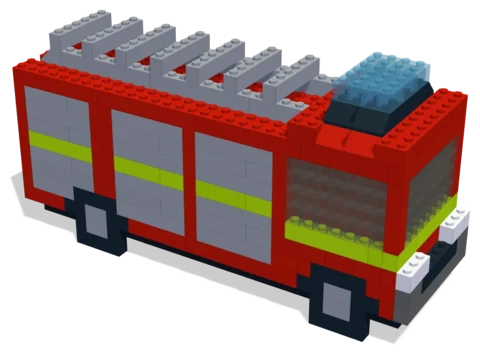 Fire Engine481 parts · 26 × 8 × 13 cmSee the set →

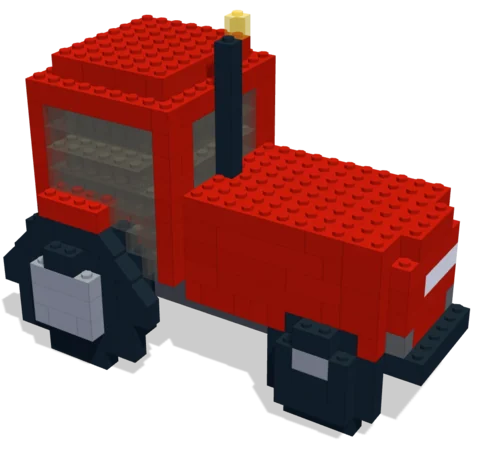 Farm Tractor373 parts · 19 × 12 × 14 cmSee the set →
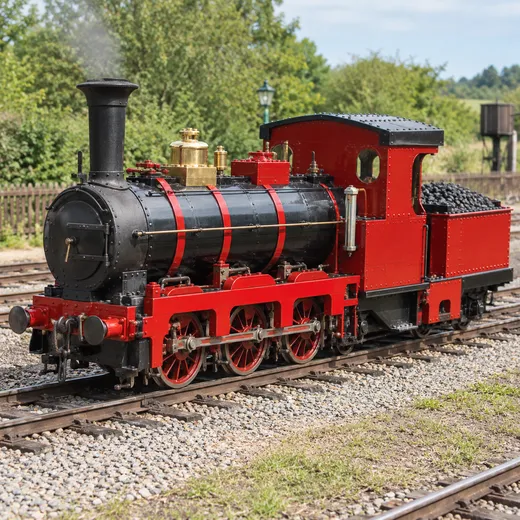
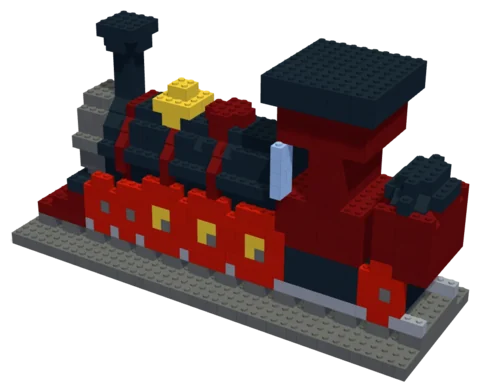 Steam Locomotive603 parts · 34 × 11 × 18 cmSee the set →
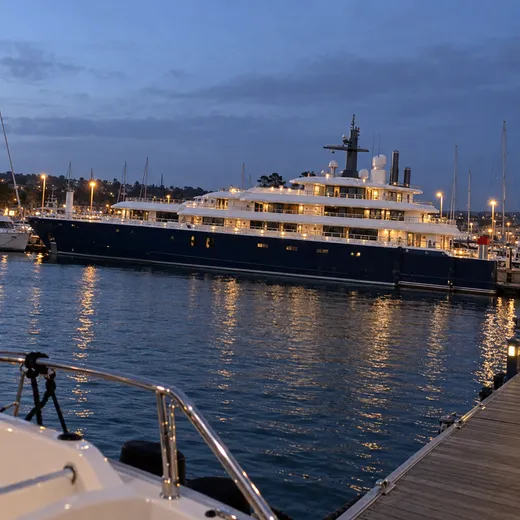
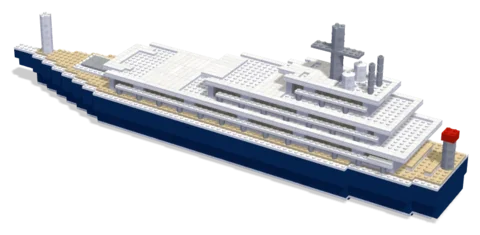 Midnight yacht1,713 parts · 67 × 13 × 20 cmSee the set →
Vehicles that work well
- Cars: classics, first cars, project cars, the family estate.
- Vans and campers.
- Work vehicles: tractors, fire engines, buses, trucks.
- Boats and planes: a sailboat, a fishing boat, a vintage aircraft.
What the model keeps
Proportions come first, because people recognise a car by its silhouette long before they read the badge. Then the designer holds on to the colour (matched to a real brick colour), any stripes or two-tone paint, the wheels, the roof rack, the surfboards, and whatever else makes it that vehicle.
Photos to send
- A side view, as square on as you can, with the whole vehicle in frame.
- A three-quarter view from the front corner.
- Close-ups of anything special: the grille, a decal, the interior if it shows.
Design with your agent
Connect a compatible agent through the connection guide. Bring a clear photo and describe the details, size and parts budget you want. Your agent can work on the same project you open in the Nooks workbench.
Preview and check
Inspect the model from several angles, review its validation results, and ask your agent to revise it. A design still needs your review before you source parts and build it.
Your manual and parts list
Export the digital step-by-step manual, parts list and BrickLink wanted list from the workbench. The manual follows the saved design; keep the exports together so the parts and steps match.
Estimate and buy parts
Upload the wanted list to BrickLink to check seller prices, availability, shipping and taxes.
Download the wanted-list XML and upload it to BrickLink to choose sellers and buy parts directly. Nooks provides the digital design tools.
Questions
Can I start with my own photo?
Yes. Bring a photo to your connected agent and describe the build you want. You can preview and edit its design in the workbench.
What do I get?
A digital design, building instructions and a parts list you can export. Buy physical parts separately from independent sellers.
Where can I check parts prices?
Upload the wanted list to BrickLink and review seller prices, shipping and taxes before buying.
Is Nooks affiliated with the LEGO Group?
No. Nooks is independent and is not affiliated with, sponsored or endorsed by the LEGO Group. LEGO® is a trademark of the LEGO Group.